
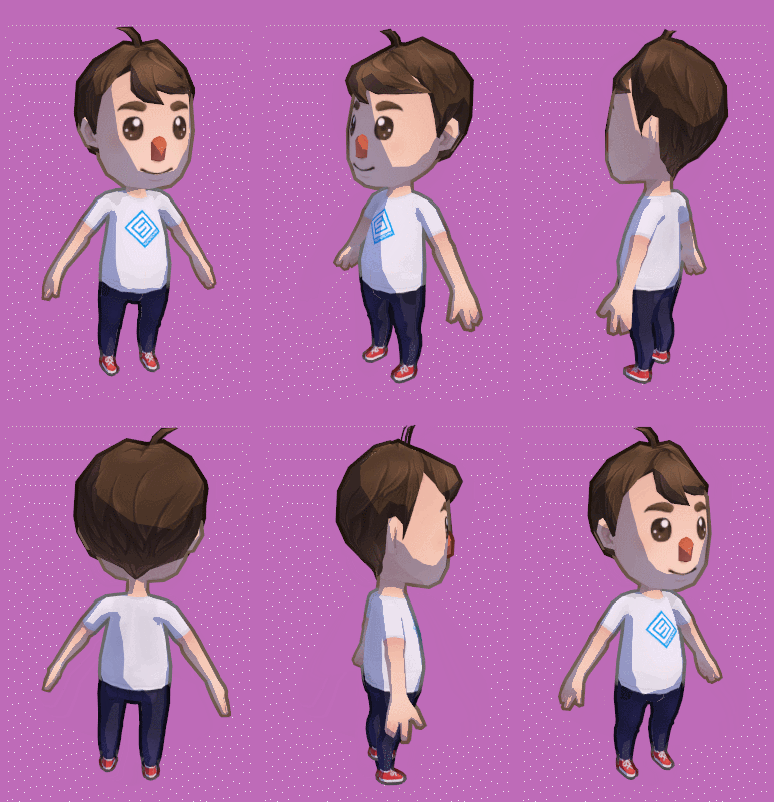
It seems like I’m on a roll with outline shaders! I’ve already written a basic cel shader with outline tutorial and an animated dotted outline shader, and now I’m doing this colored outline.
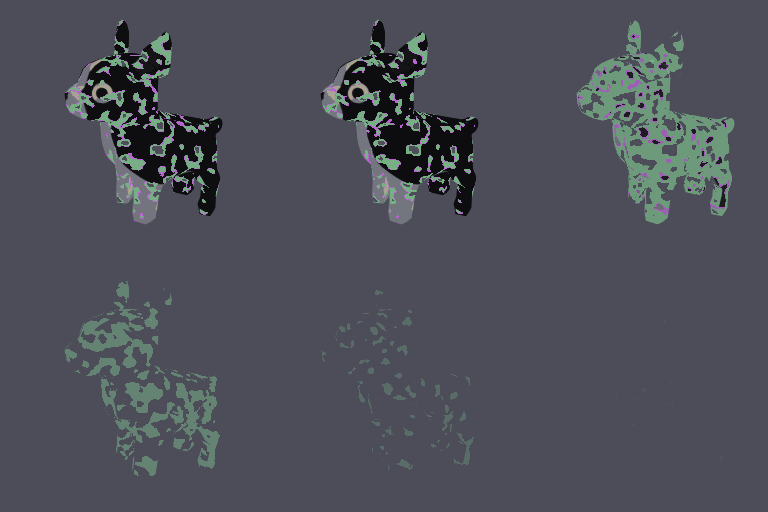
The special thing about the color of this outline is that it’s using the color of the texture, so that the outline color always matches the pixel it’s closest to. I find it’s a common tool used by 2D artists to make outlines feel more natural, as opposed to using a solid color like black for the whole outline.
Here’s an example of the difference it makes with an example from 2D pixel art from u/croakiee on Reddit:

This tutorial teaches you how to do this effect in 3D.
IMPORTANT: Since I already went over the basics of how to do the outline here, I’m not going to repeat that explanation in this tutorial. Do the basic tutorial first if you’re not sure how to create an outline at all.
Here’s the full code for the shader for reference, under a non-commercial open-source license:
->> Link to full code for Unity Colored Outline Shader
Also, The 3D model is from this free asset pack.
Now, on with the tutorial!











 Linden Reid